Pipelines
When the primary purpose of an application is to move or copy data from a source to a target, we call that a "pipeline" application. For an introduction to the subject, see What is a Data Pipeline. A Striim for ClickHouse application typically consists of a source to read data from, optional in-flight processing of data, and a target to write the data to.

Supported sources and targets for Striim for ClickHouse
The following sources are supported by Striim for ClickHouse:
Amazon S3
Azure Cosmos DB for MongoDB
Azure Data Lake
BigQuery
Cobol Copy Book files
CollectD files
Cosmos DB
Crunchy Data
files (see Parsers)
Apache access logs
Avro
binary
Cobol Copy Book
CollectD
delimited
free-form
HL7v2
JSON
Netflow
name-value pairs
Parquet
Striim logs
XML
Google Ads
Google Cloud Storage
HDFS
HTTP
HubSpot
Intercom
Jira
JMS
JMX
Kafka
MapR file system
MariaDB (Database Reader using JDBC for initial load, MariaDB Reader using CDC for continuous replication)
Microsoft Dynamics 365
Microsoft Dynamics 365 Business Central
MongoDB
MQTT
MySQL (JDatabase Reader using DBC for initial load, MySQL Reader using CDC for continuous replication)
Neon
OPCUA
Oracle (Database Reader using JDBC for initial load, Oracle Reader using CDC for continuous replication)
PostgreSQL (Database Reader using JDBC for initial load, PostfreSQL Reader using CDC for continuous replication)
Salesforce
Salesforce CDC (Salesforce Reader for initial load, Salesforce CDC Reader for continuous replication)
Salesforce Pardot
Salesforce Platform Event: does not support initial schema creation, tables must be created in target before running app
Salesforce PushTopic: does not support initial schema creation, tables must be created in target before running app
ServiceNow
Snowflake
Spanner
SQL Server (Database Reader using JDBC for initial load, MS SQL Reader using CDC for continuous replication)
Stripe
TCP
UDP
Windows Event Log
Yugabyte (Database Reader using JDBC for initial load, YugagyteDB Reader using CDC for continuous replication)
Zendesk
The following targets are supported:
ClickHouse
files (using File Writer) for development and debugging purposes
Mapping and filtering
The simplest pipeline applications simply replicate the data from the source tables to target tables with the same names, column names, and data types.
If your source is BigQuery, MariaDB, MySQL, Oracle, PostgreSQL, Snowflake, SQL Server, or YugabyteDB and you use an automated pipeline or any other approach that supports initial schema creation, data types will be mapped as detailed in Data type support & mapping for schema conversion & evolution. For other sources, see their individual data type mapping documentation under Sources.
If your requirements are more complex, see the following:
Schema evolution
For some CDC sources, Striim can capture DDL changes and replicate those changes to ClickHouse target tabkes, or take other actions, such as quiescing or halting the application, For mote information, see Handling schema evolution:
Initial load versus continuous replication
Typically, setting up a data pipeline occurs in two phases.
The first step is the initial load, copying all existing data from the source to the target to create an initial, point-in-time copy of the source dataset, a process that is also called "historical sync" or "initial snapshot."
Depending on the amount and complexity of data in the source tables, initial load may take minutes, hours, days, or weeks.
Once the initial load is complete, you will start the Striim CDC application to pick up where the initial load left off. Or, if using an automated pipeline wizard, the transition from initial load to CDC will happen automatically.
How to build a pipeline in Striim for ClickHouse
In Striim for ClickHouse, there are three ways to build a pipeline:
using Striim Clara AI (see Build your first application)
using wizards (see Automated pipelines)
using Flow Designer
Automated pipelines
Automated pipeline wizards create two linked applications, one to perform the initial load of existing source data to ClickHouse (in most cases using JDBC to read the source) and another to continuously update ClickHouse with changes to the source read using change data capture (CDC). Handover from the first app to the second is handled automatically. Recovery is automatically enabled for both applications, with the exception of initial load for Salesforce sources.
The following is an example of the workflow. This is for creating an on-premise SQL Server to ClickHouse pipeline, but the steps are similar for all source and target combinations. When you create an automated pipeline, inline help will appear next to the dialogs with detailed information about the settings.
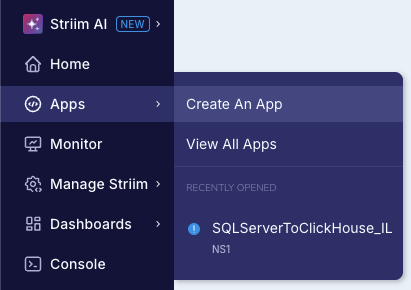
Select Apps > Create an App.
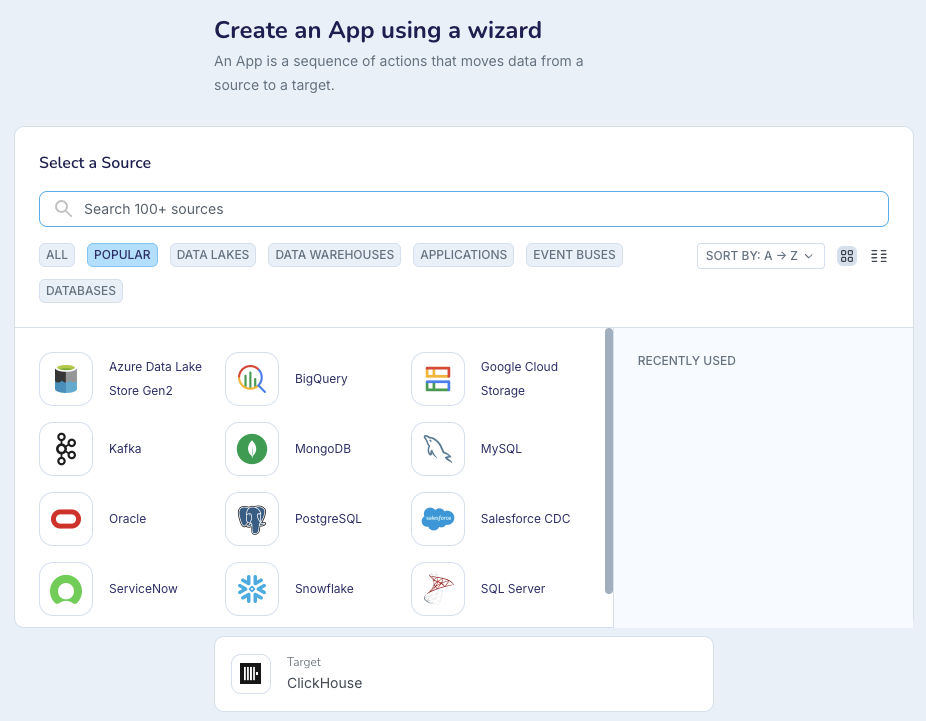
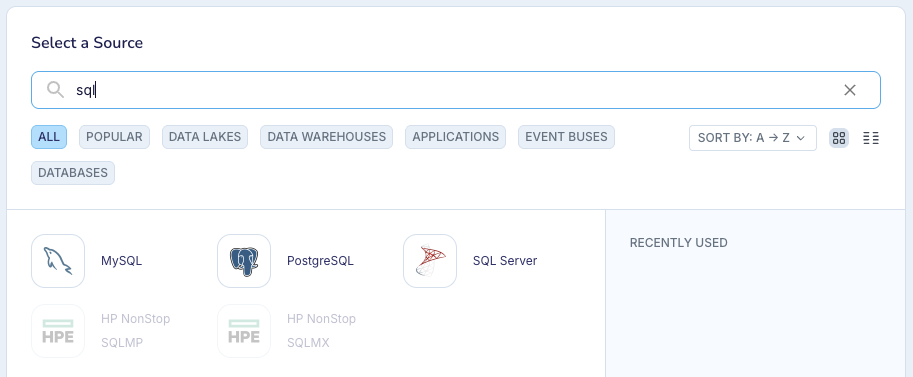
Search for and select your source.
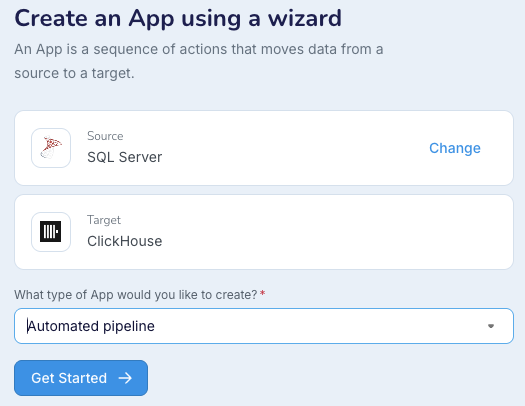
Click Get Started. (With some sources, at this point, you could select initial load only or change data capture only instead of automated pipeline.)
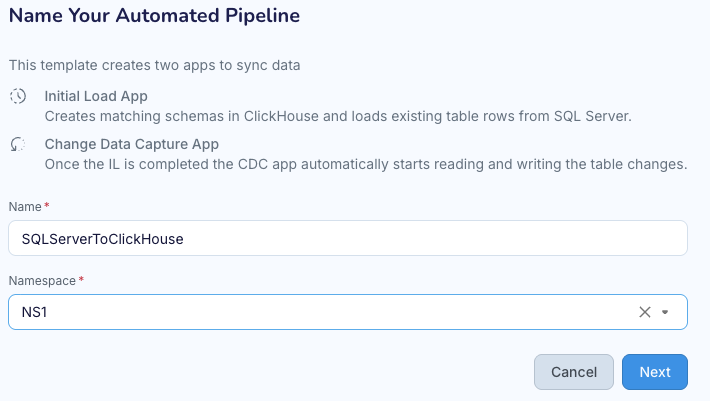
Name the pipeine and specify the namespace in which to create it, then click Next.
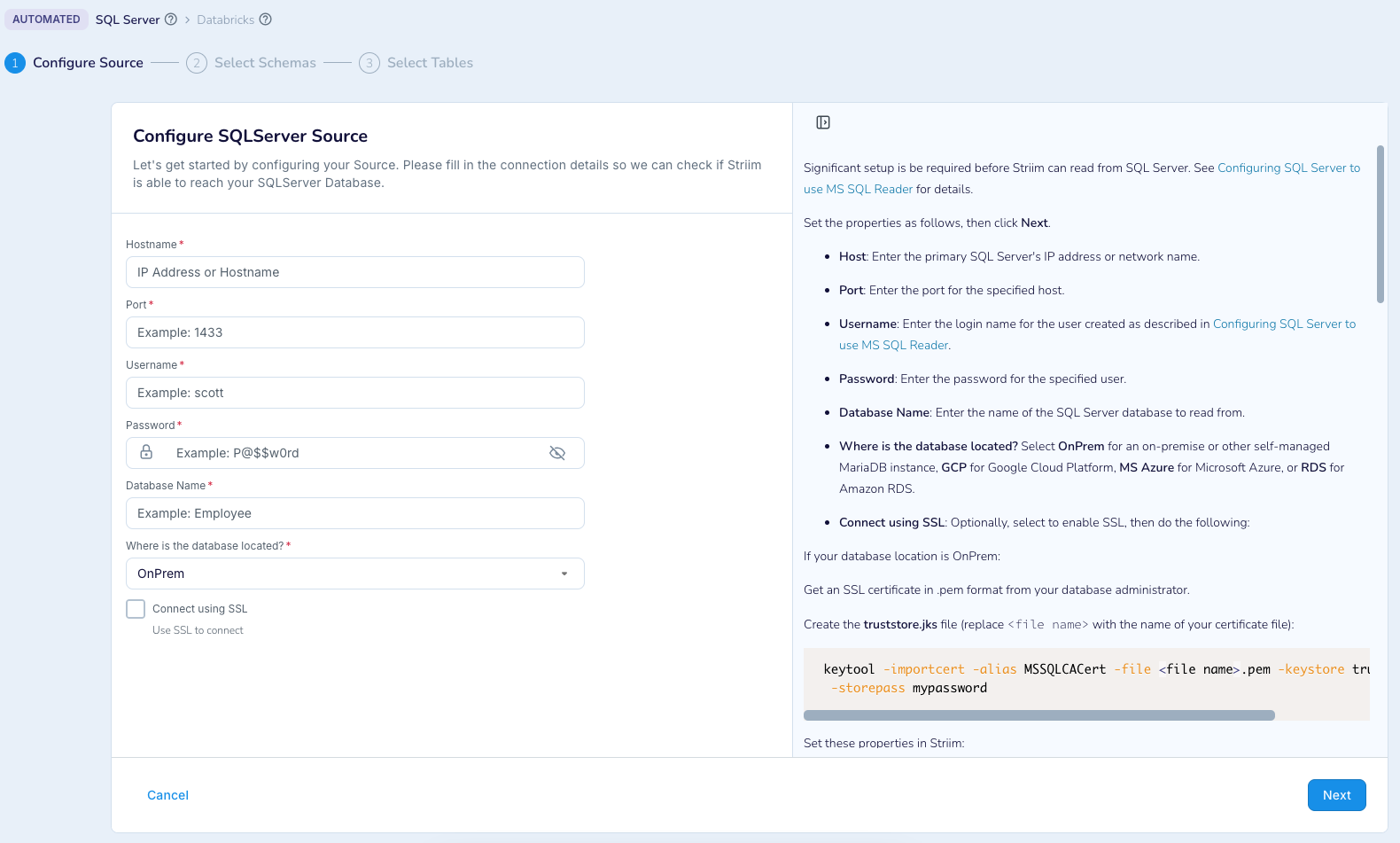
Specify the properties for the source as described in the inline help, then click Next.
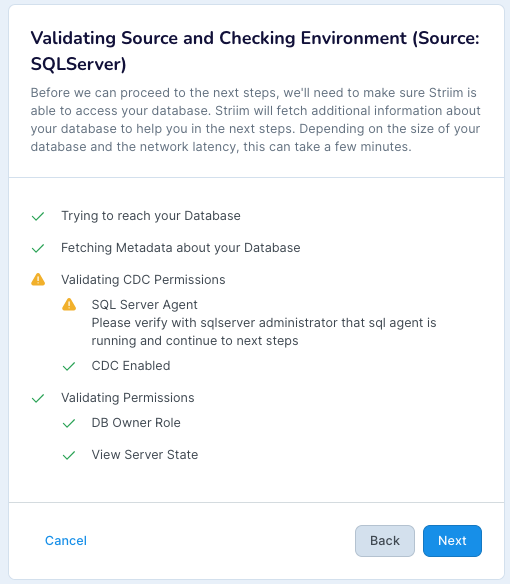
If validation is successful, the wizard will automatically go on to the next step. If validation fails, click Back and make whatever corrections are required. You must resolve all issues and validate successfully before going forward in the wizard.
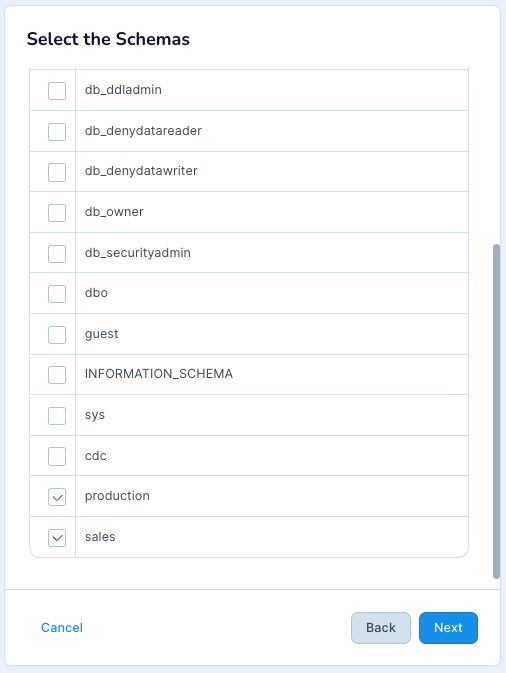
Select the schemas to replicate in the target (do not select system schemas), then click Next.
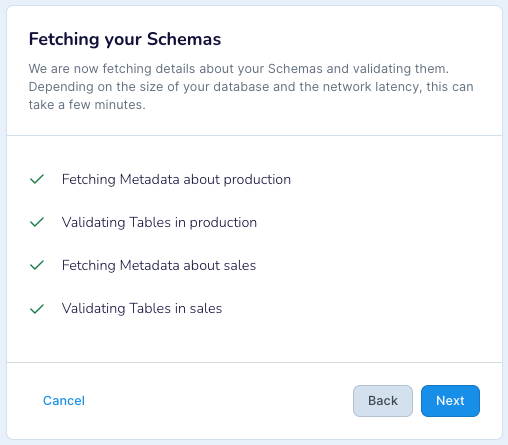
After Striim has validated and fetched the data, it will automatically go on to the next step.
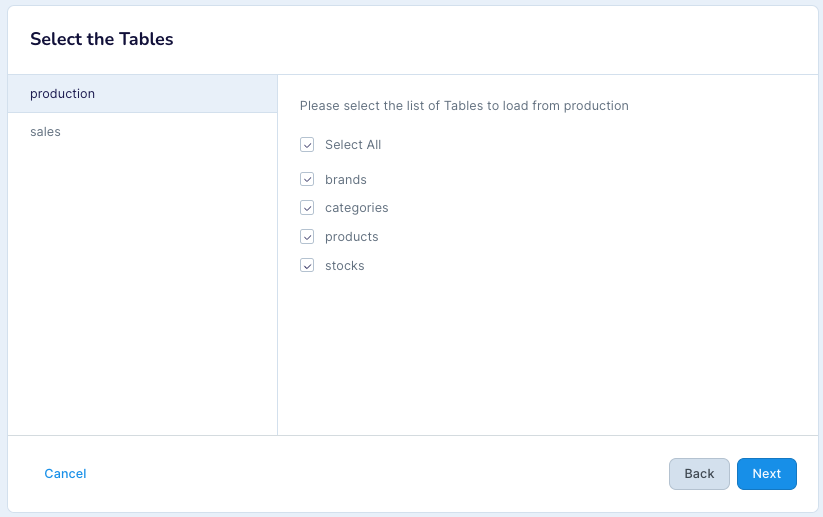
Select the tables to be replicated to ClickHouse (separately for each schema), then click Next.
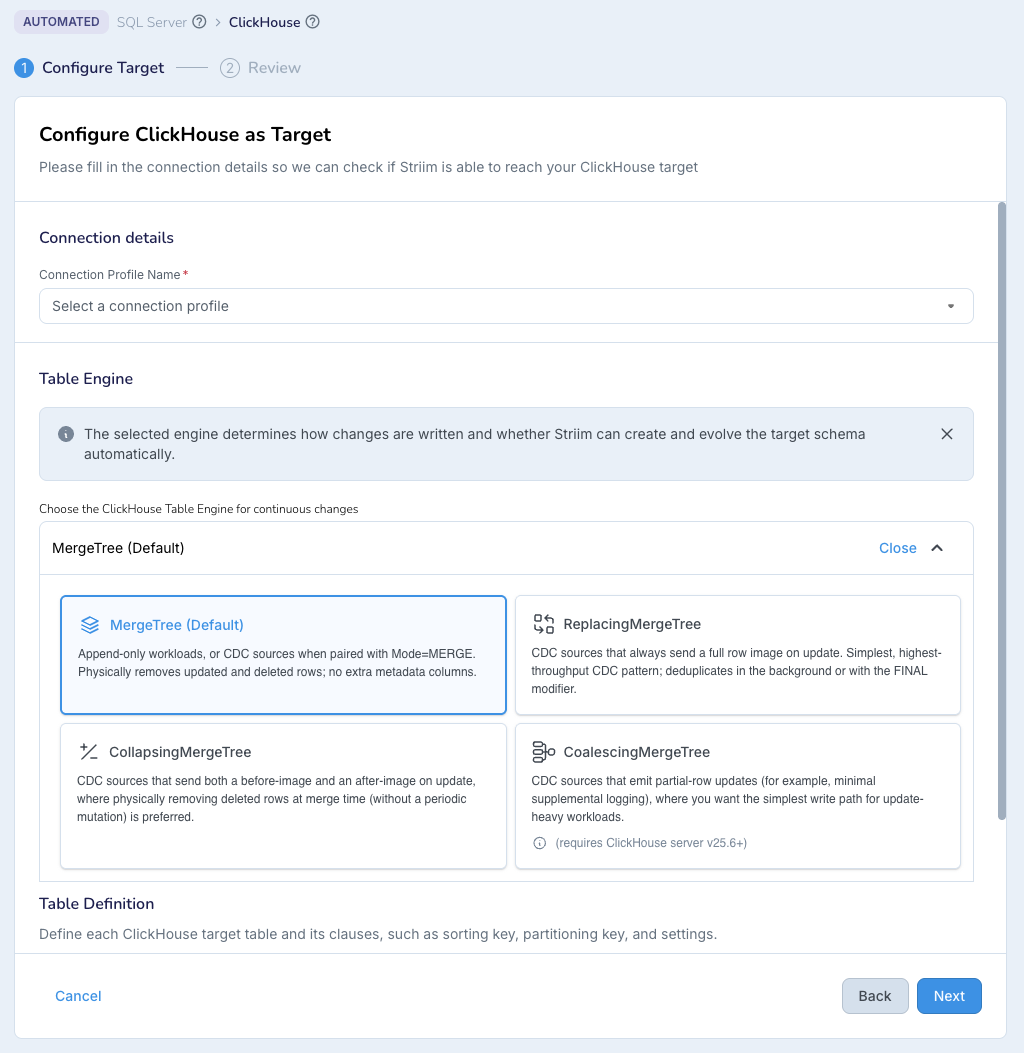
Select or create a ClickHouse connection profile (see Create a ClickHouse Connection Profile) and select the desired Table Engine (see Choosing a table engine), then click Next.
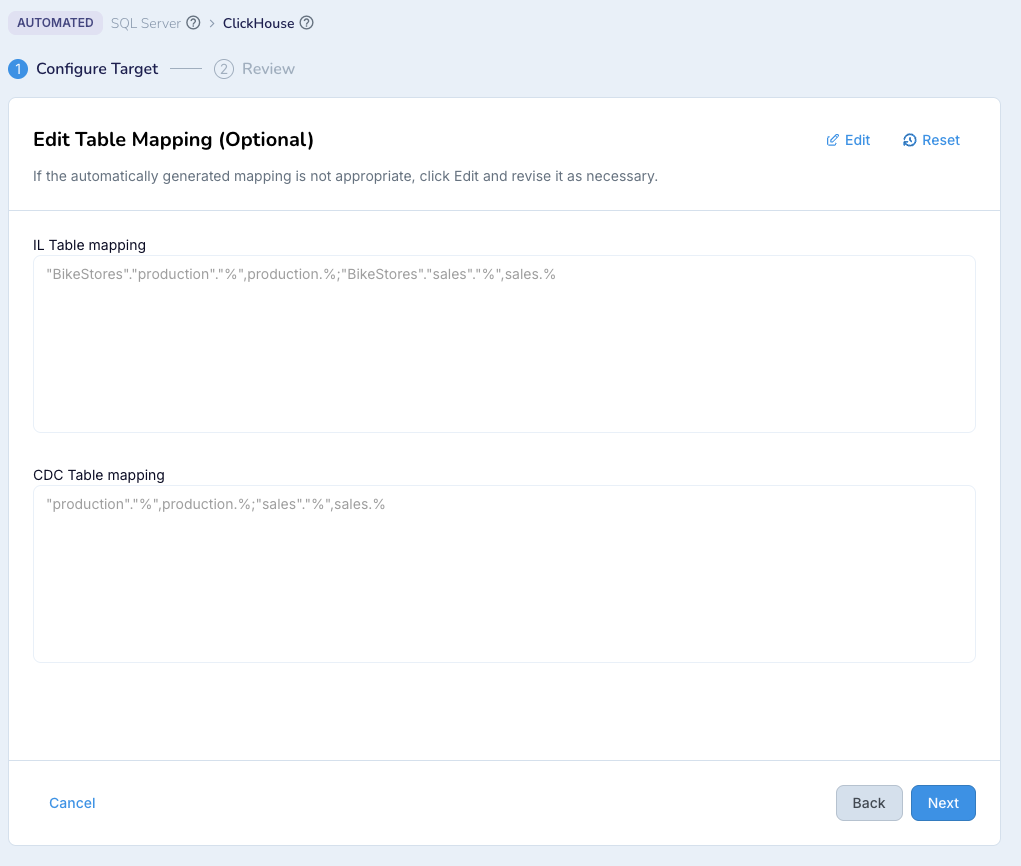
Optionally, edit the table mapping, then click Next.
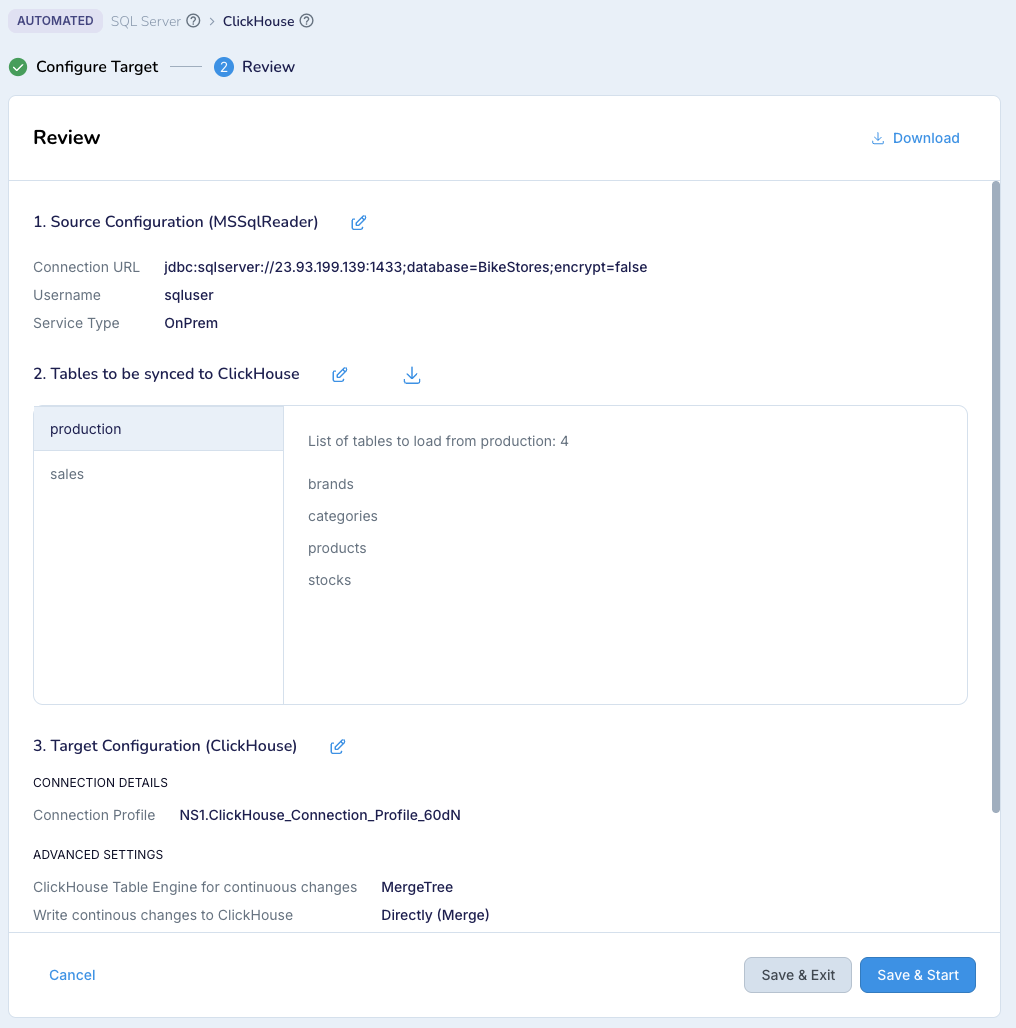
Review the settings to make sure they are correct, then click Save & Start.
Striim will create your automated pipeline.
Once Striim has created the automated pipeline, it will run the initial load app and display its status.
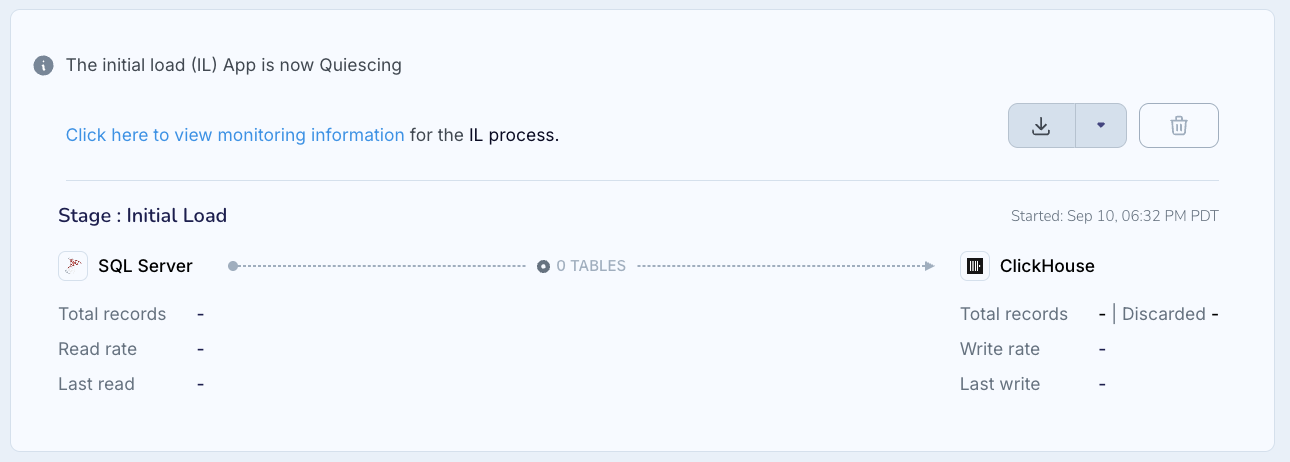
When initial load is complete, Striim will quiesce the initial load app.
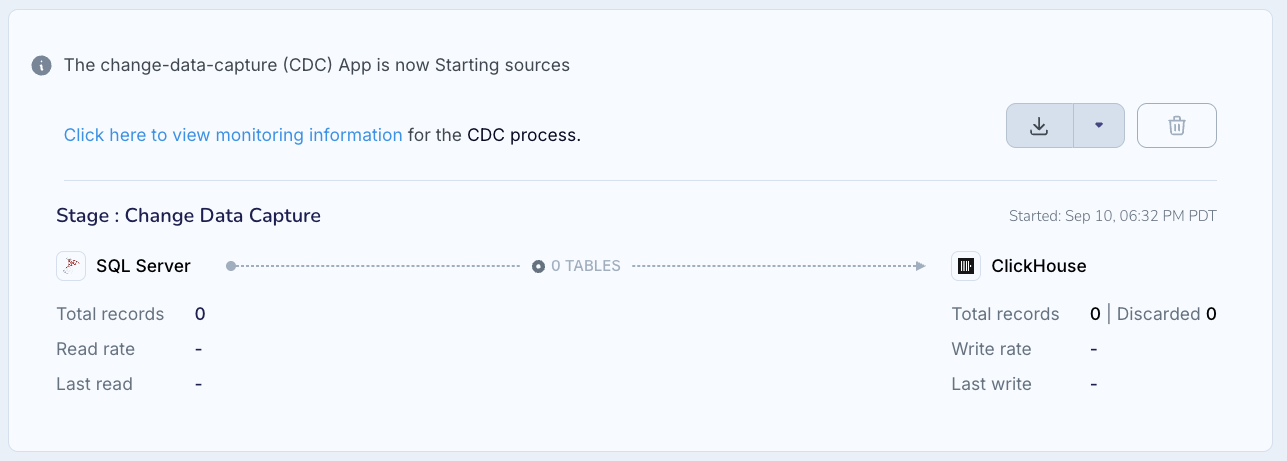
Next Striim will start the CDC app and display its status.
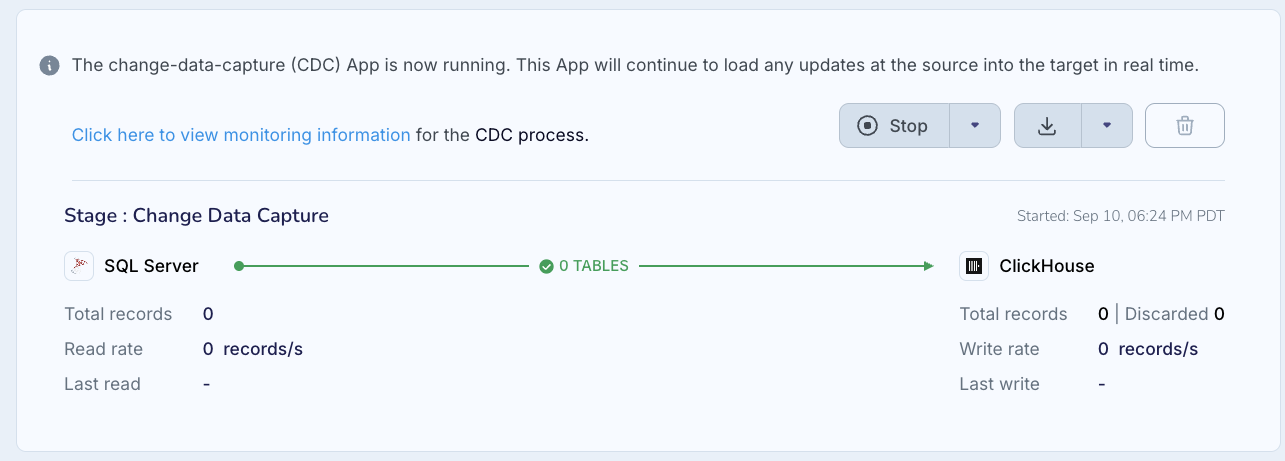
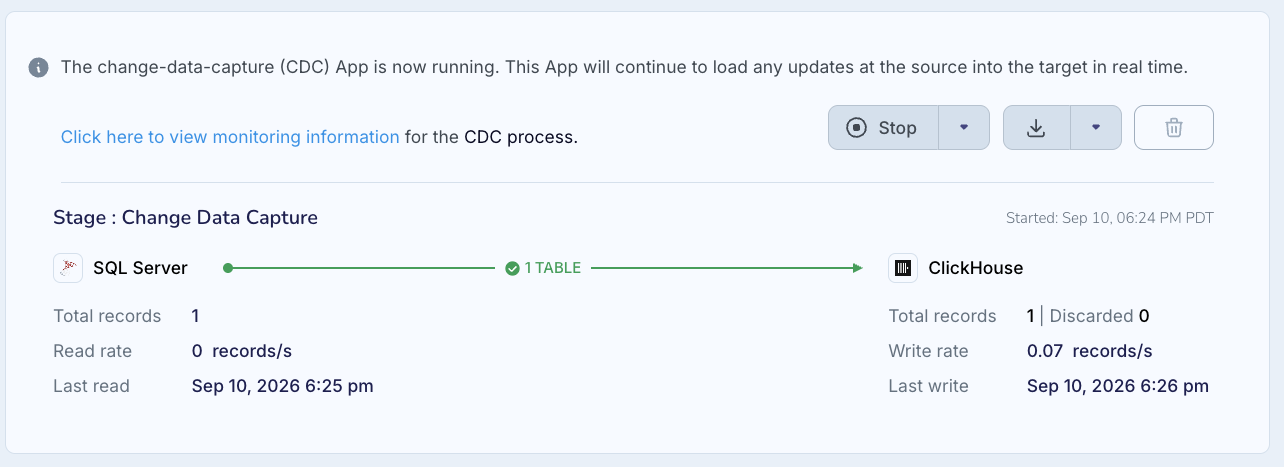
As records are read from the source and written to ClickHouse, the counts will be updated.
If during either phase of the pipeline Striim encounters a problem, it will halt and offer recommendations on what to do to resolve it.

For more information, see Using automated pipeline wizards.
Monitoring your pipeline
You may monitor your pipeline using any of the options discussed in Monitoring.
Setting up alerts for your pipeline
System alerts for potential problems are automatically enabled. You may also create custom alerts. For more information. (see Alerting in Striim).
Scaling up for better performance
When a single reader can not keep up with the data being added to your source, create multiple readers. Use the Tables property to distribute tables among the readers:
Assign each table to only one reader.
When tables are related (by primary or foreign key) or to ensure transaction integrity among a set of tables, assign them all to the same reader.
When dividing tables among readers, distribute them according to how busy they are rather than simply by the number of tables. For example, if one table generates 50% of the entries in the CDC log, you might assign it and any related tables to one reader and all the other tables to another.
The following is a simple example of how you could use two Oracle Readers, with one reading a very busy table and the other reading the rest of the tables in the same schema:
CREATE SOURCE OracleSource1 USING OracleReader (
  FetchSize: 1,
  Compression: false,
  Username: 'myname',
  Password: '7ip2lhUSP0o=',
  ConnectionURL: '198.51.100.15:1521:orcl',
  ReaderType: 'LogMiner',
  Tables: 'MYSCHEMA.VERYBUSYTABLE'
)
OUTPUT TO OracleSourcre_ChangeDataStream;

CREATE SOURCE OracleSource2 USING OracleReader (
  FetchSize: 1,
  CommittedTransactions: true,
  Compression: false,
  Username: 'myname',
  Password: '7ip2lhUSP0o=',
  ConnectionURL: '198.51.100.15:1521:orcl',
  ReaderType: 'LogMiner',
  Tables: 'MYSCHEMA.%',
  ExcludedTables: 'MYSCHEMA.VERYBUSYTABLE'
)
OUTPUT TO OracleSourcre_ChangeDataStream;
When a single ClickHouse Writer instance can not keep up with the data it is receiving from the source (that is, when it is backpressured), use the Parallel Threads property to create additional instances and Striim will automatically distribute data among them (see Creating multiple writer instances (parallel threads)).