Managing users
Add a user
Note
If you are using single sign-on, user accounts will be created automatically when a user logs in.
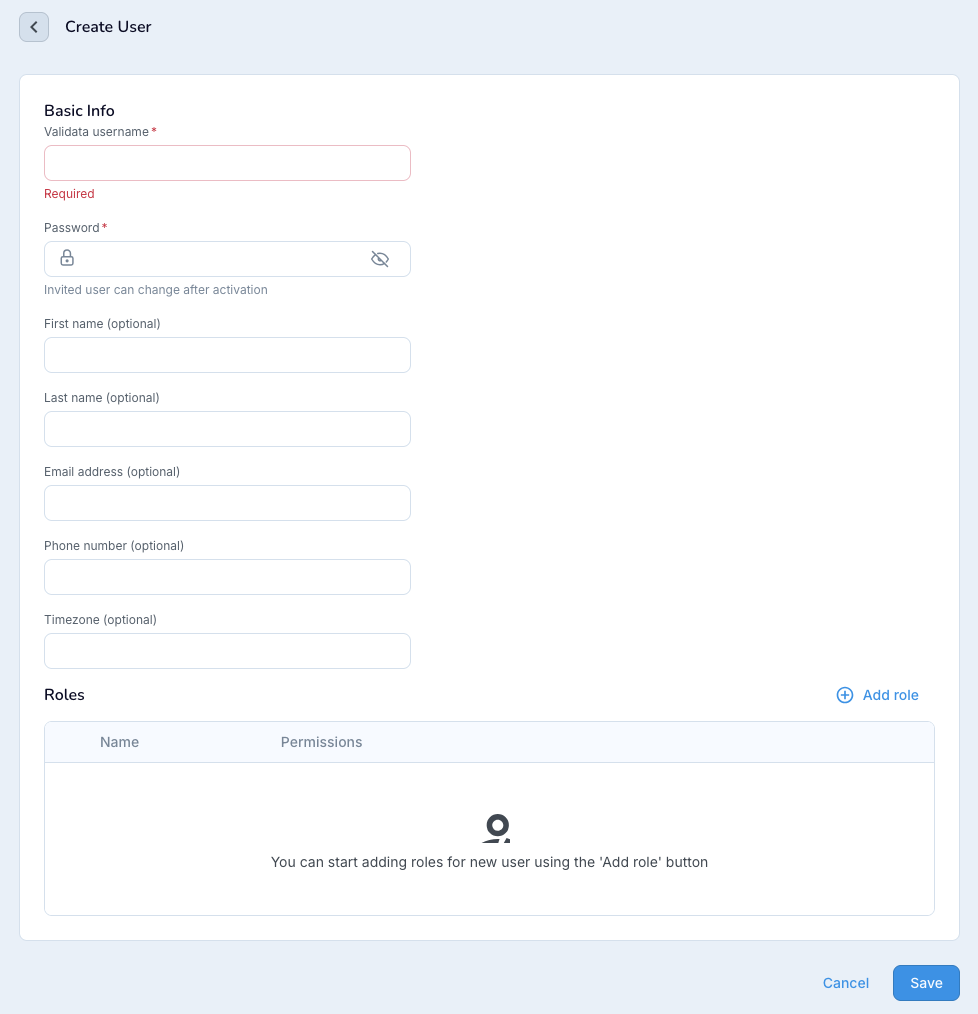
Select Users > Create user.
Enter the name and password for the user. Optionally enter additional information.
Optionally, click Add role to assign roles to the user. If you do not add any roles, the user will only be able to view and work with validations they created themselves.
Global.admin (superuser): can perform all functions in Validata, including creating and modifying users, vaults, and connection profiles.
Global.validationoperator: can perform any operation on any validation, regardless of who created it, except duplicating jobs in the admin namespace.
admin.enduser: can view reports for validations created by administrators.
Click Save.
To modify the default user mapping, access the User page from the service, and select to Edit the user's roles.