Building pipelines from Cosmos DB
You can read from Cosmos DB as follows, and write to any Striim target that can accept a JSONNodeEvent input stream. Typically, you will set up data pipelines that read from Cosmos DB in two phases—initial load, followed by continuous replication—as explained in this concept article on Pipelines.
For initial load, use Cosmos DB Reader (see Continuous replication using Cosmos DB Reader) or Mongo Cosmos DB Reader (see Continuous replication using Mongo Cosmos DB Reader) in Initial Load mode to create a point-in-time copy of the existing source Cosmos DB dataset in the target.
After initial load has completed, you can start continuous replication by continuously reading the new data created in the same Cosmos DB dataset after the initial load was started, and then writing this new source data to the target. For real-time continuous replication of new source data using CDC, use Cosmos DB Reader or Mongo Cosmos DB Reader in Incremental mode.
Before building a pipeline, you must complete the steps described in Cosmos DB initial setup.
Striim does not have automatic pipeline wizards or support initial schema creation for Cosmos DB sources, so you must manually create the schemas and tables or collections in the target before starting the initial load, then manually switch to continuous replication. Since the Cosmos DB readers support both initial load and continuous replication, you can handle both with a single application.
Create a schema and tables or containers in the target corresponding to the database and containers in your Cosmos DB source.
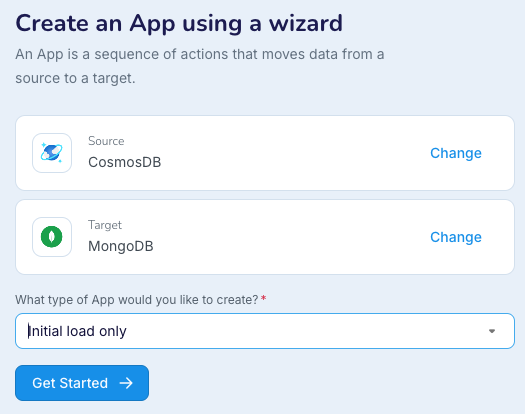
Perform an initial load: create an application using a wizard with a Cosmos DB or Mongo Cosmos DB source and select Initial load only as the type of app to create. If your target is not among the target choices when using a wizard, create the application using the Flow Designer, TQL, or Striim's REST API, setting Mode to InitialLoad and Quiesce on IL Completion to True, and enabling recovery.
Switch from initial load to continuous replication: when initial load completes, undeploy the application, change Mode to Incremental, and redeploy and restart the application. Striim will begin writing new data to the target from the point where initial load completed.